
Frequently Asked Questions
Why do I need an account for the gowithYamo app?
Your account gives you access to a whole host of features including the ability to track the exhibitions you’ve visited, leave reviews, follow other users and more.
Why do I need to give my date of birth?
Given the app's social elements and potentially sensitive content featured in exhibitions, we require all gowithYamo users to be over 16 years old. Your date of birth will only be used to verify your age and will not be displayed anywhere on your profile.
I’m unable to log into my account - how do I fix it?
If your password is not recognised, just click ‘Forgot Password’ and enter your email address to request an automated password reset. If this doesn’t work, or you are still experiencing problems trying to log in, reach out to us at hello@gowithyamo.com and we’ll get it sorted for you.
Do I have to add additional details to my profile?
That’s completely up to you! We offer the ability to personalise your profile with as much or as little information as you like to authentically represent yourself to fellow art enthusiasts on the gowithYamo app.
How do I find exhibitions that I'm interested in?
Just follow other gowithYamo users! With a community of art-lovers with varying tastes, you’re bound to find like-minded friends to recommend your next favourite exhibition and find art everywhere.
How do challenges work?
You’re automatically enrolled in challenges upon creating your gowithYamo account; just use the app to see the art you love and see the achievements start to roll in!
How do I delete my account?
We’d be sorry to see you go, but if you would like to delete your gowithYamo account, visit your profile in the app and tap ‘Settings’ and ‘Delete Account’.
What if an exhibition or event is missing?


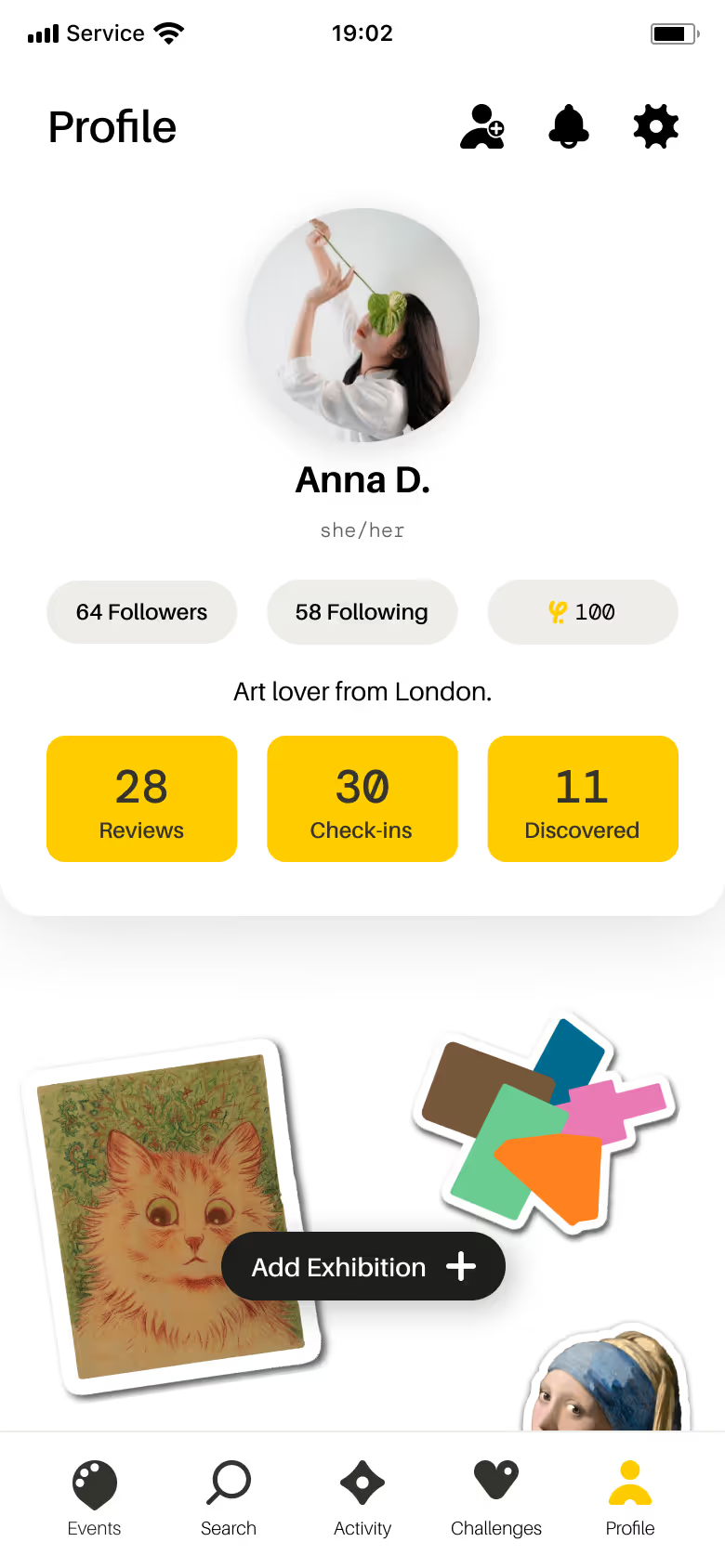
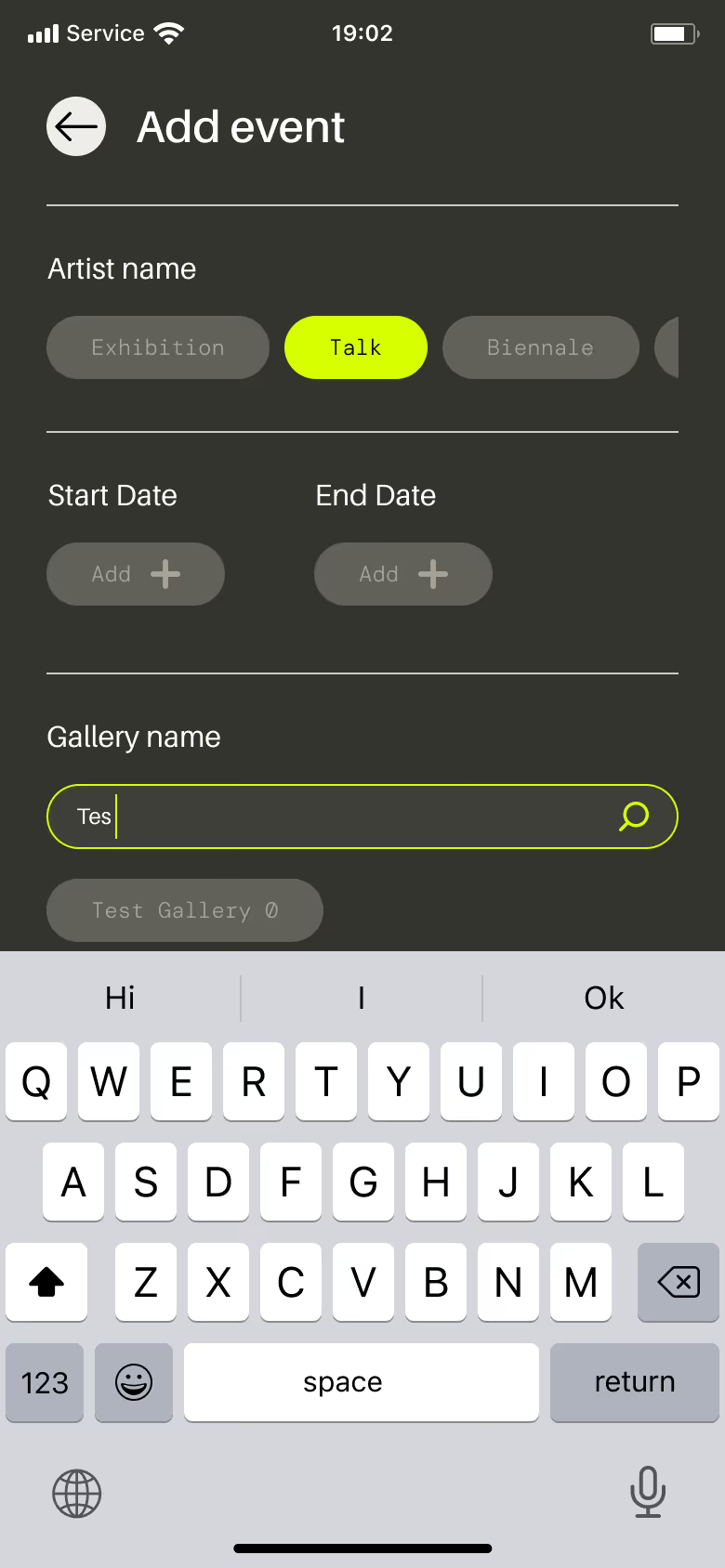
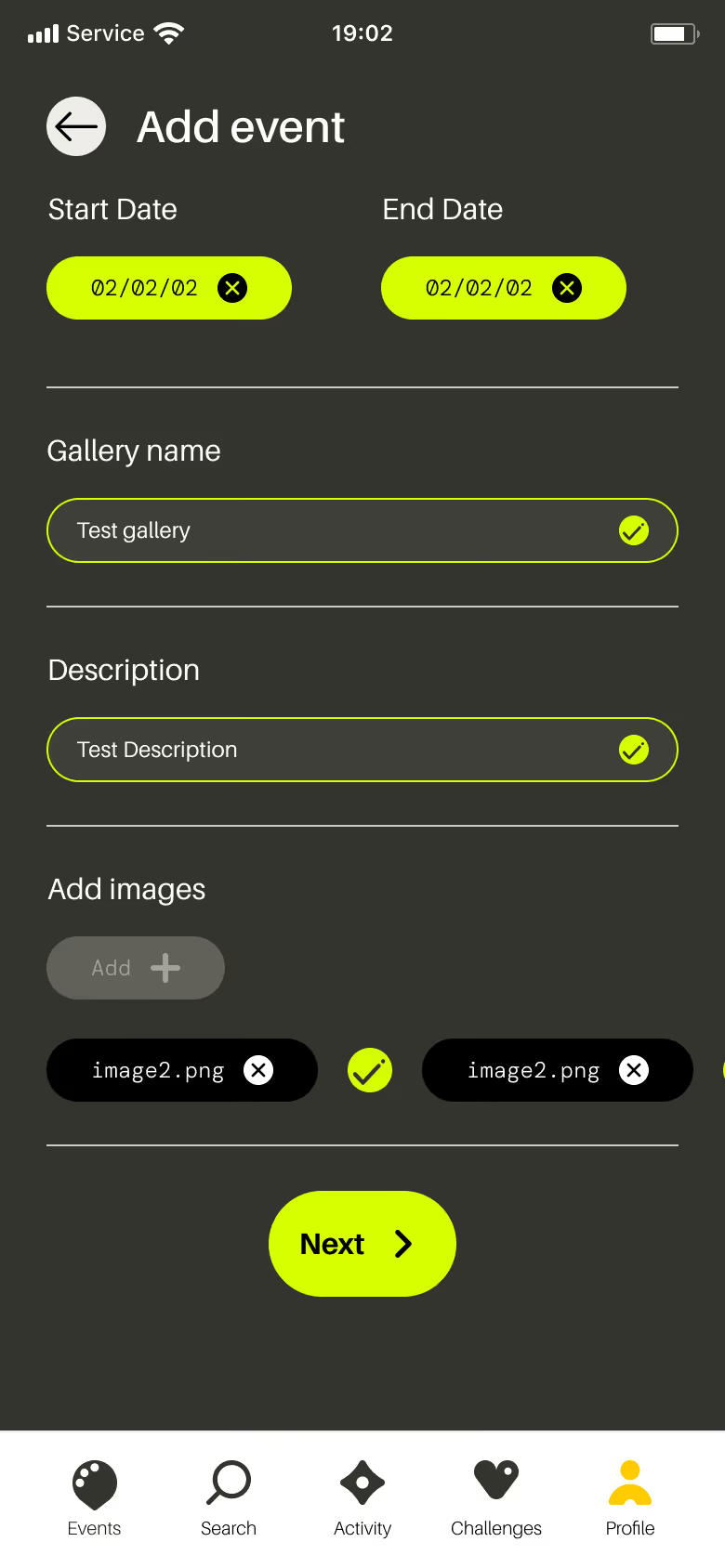
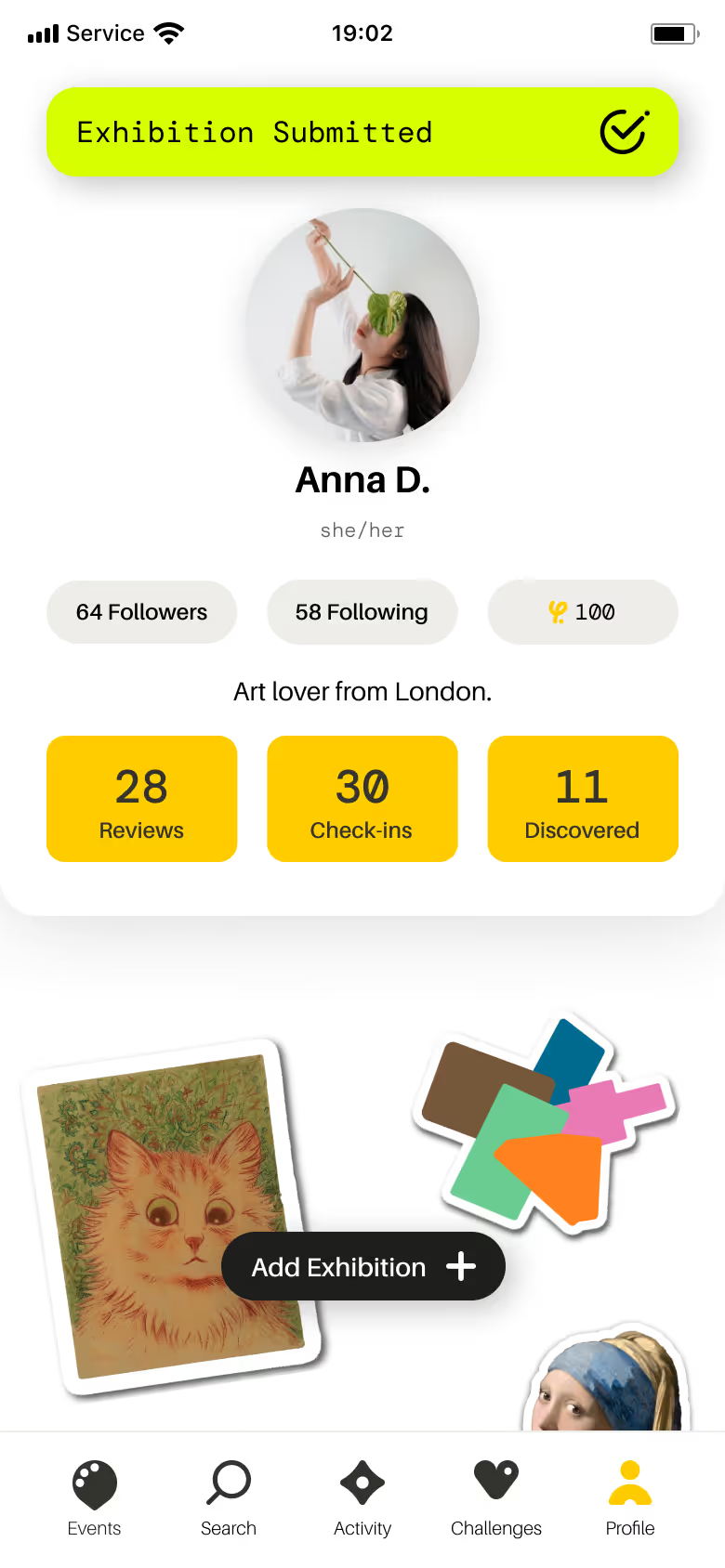
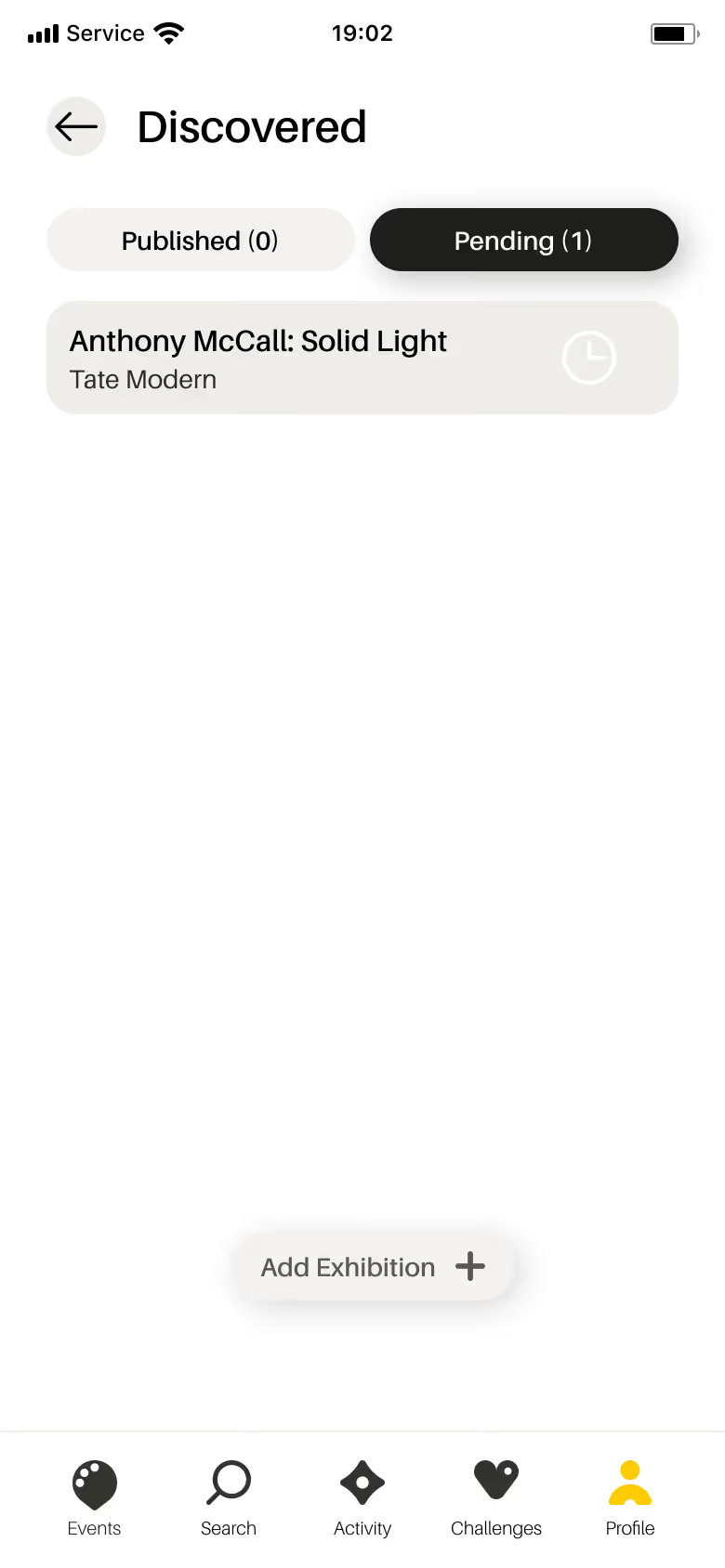
If you notice an exhibition missing from our app, or would like our community to find one that you’re hosting, we encourage you to upload it for free. gowithYamo is a community-driven app, so your contributions help ensure more art is seen by more people.
- Open the app and head to your Profile tab.
- Fill in all the relevant details about your discovered exhibition, workshop, or talk.
- Upload images and event information.
- Tap Submit - our team will review and add it to the app!
- Track the status of your submission under the Discovered section in your profile.
Head to your Profile tab to reveal your earned sticker.
How do I find friends and discover new people on the app?
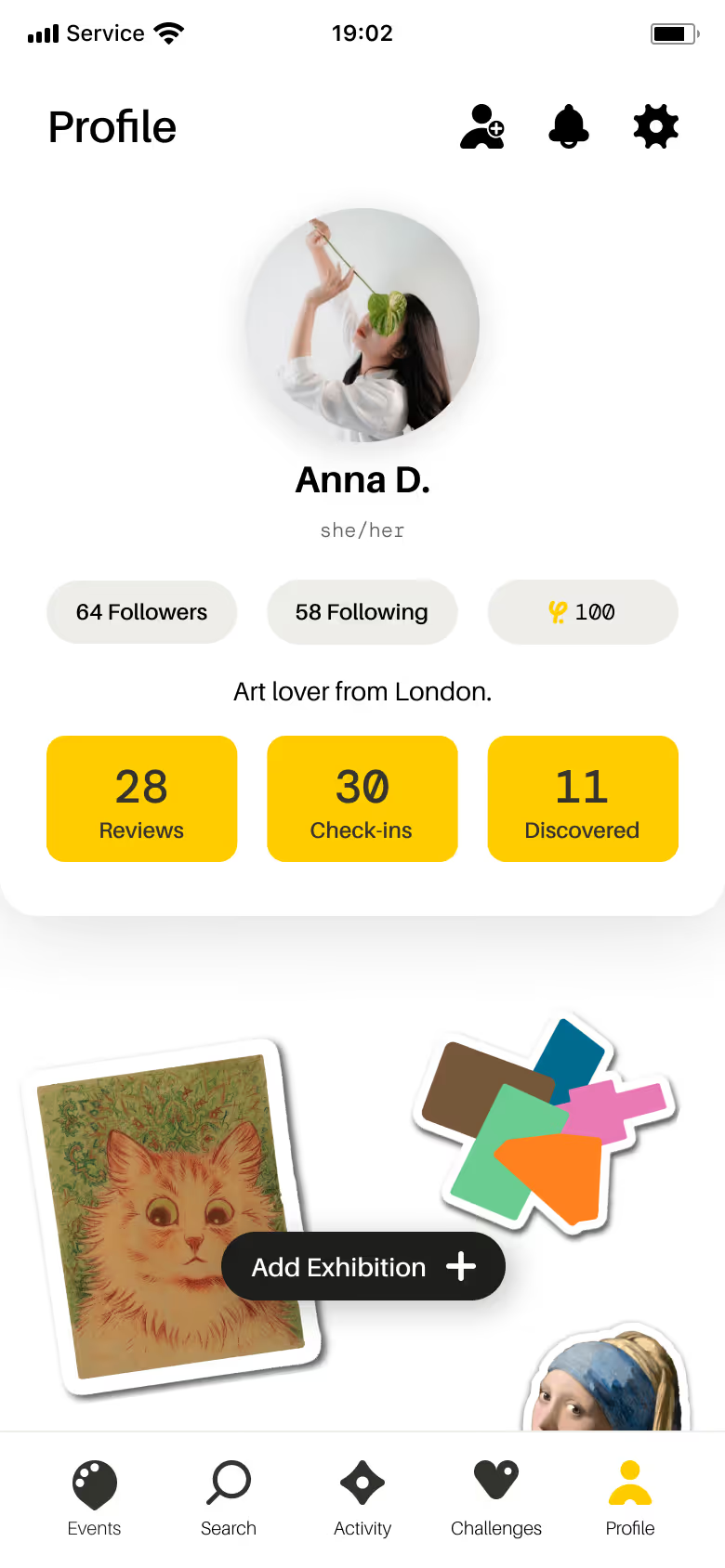
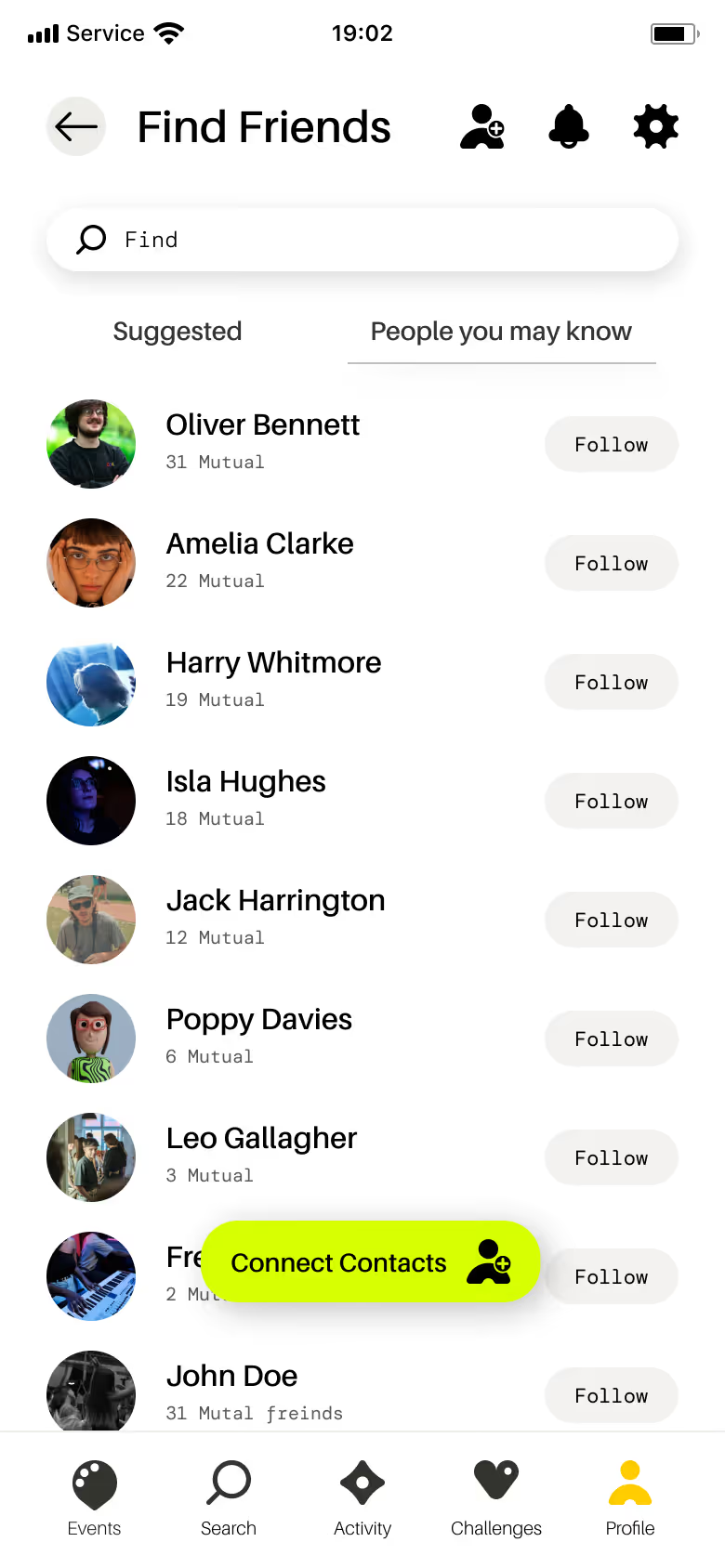
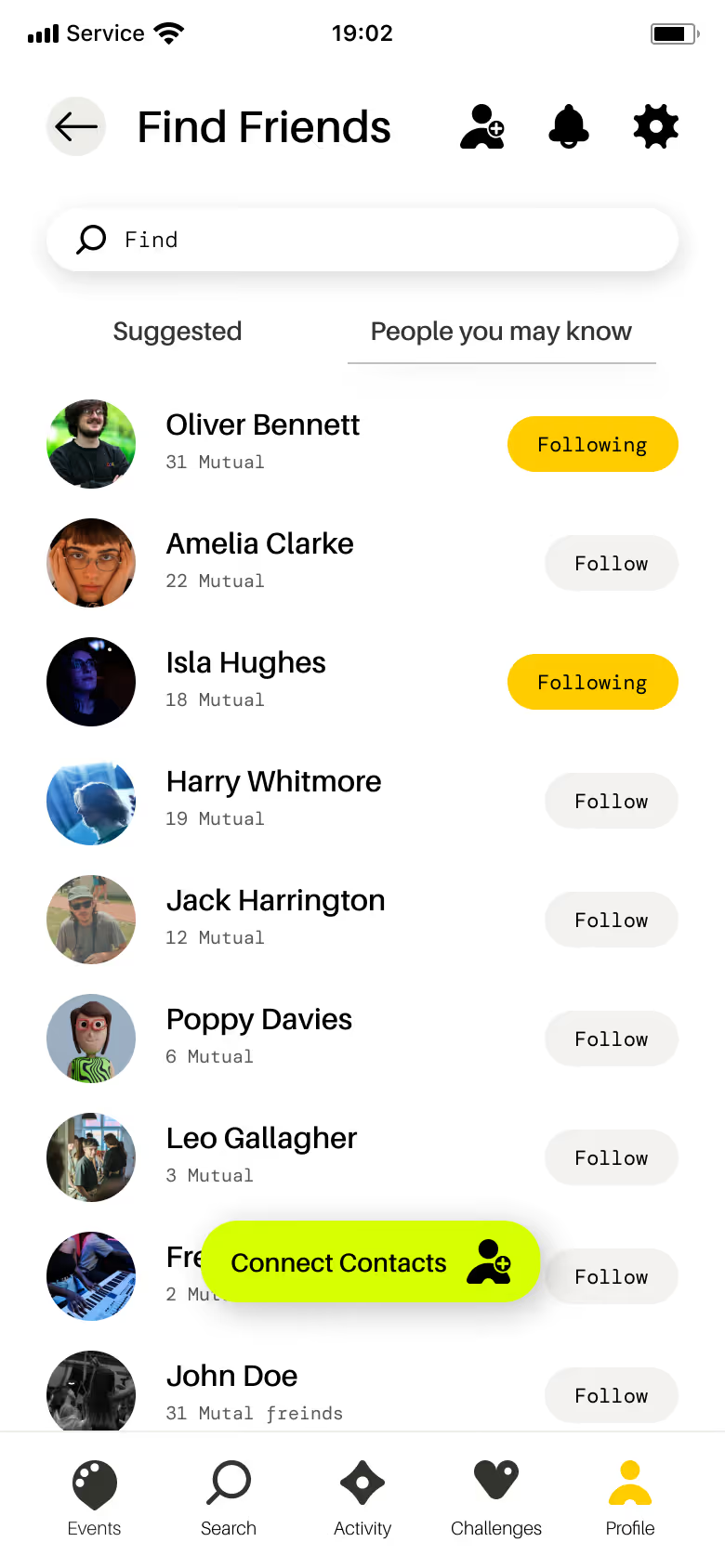
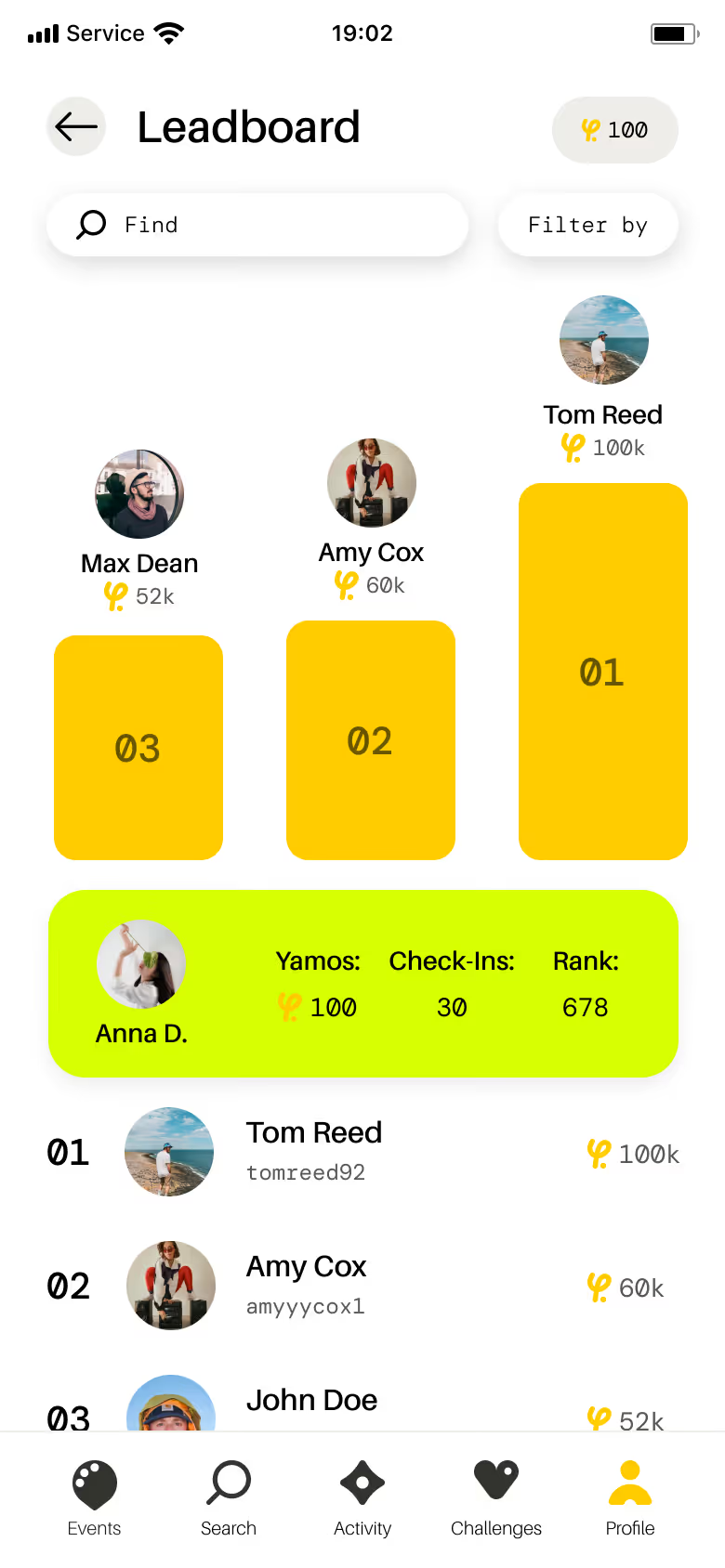
Art is better with friends - here’s how to grow your community:
- Go to your Profile and tap the [add friend] symbol.
- Search friends by first and last name.
- Tap Follow to stay updated on their activity. You can also check out ‘Suggested’ users and ‘People you may know’.
- See which exhibitions your friends have checked into and reviewed, join them on challenges, and compete with them on the leaderboard.
Connect with like-minded individuals who share your love for art.
What are Yamo points?
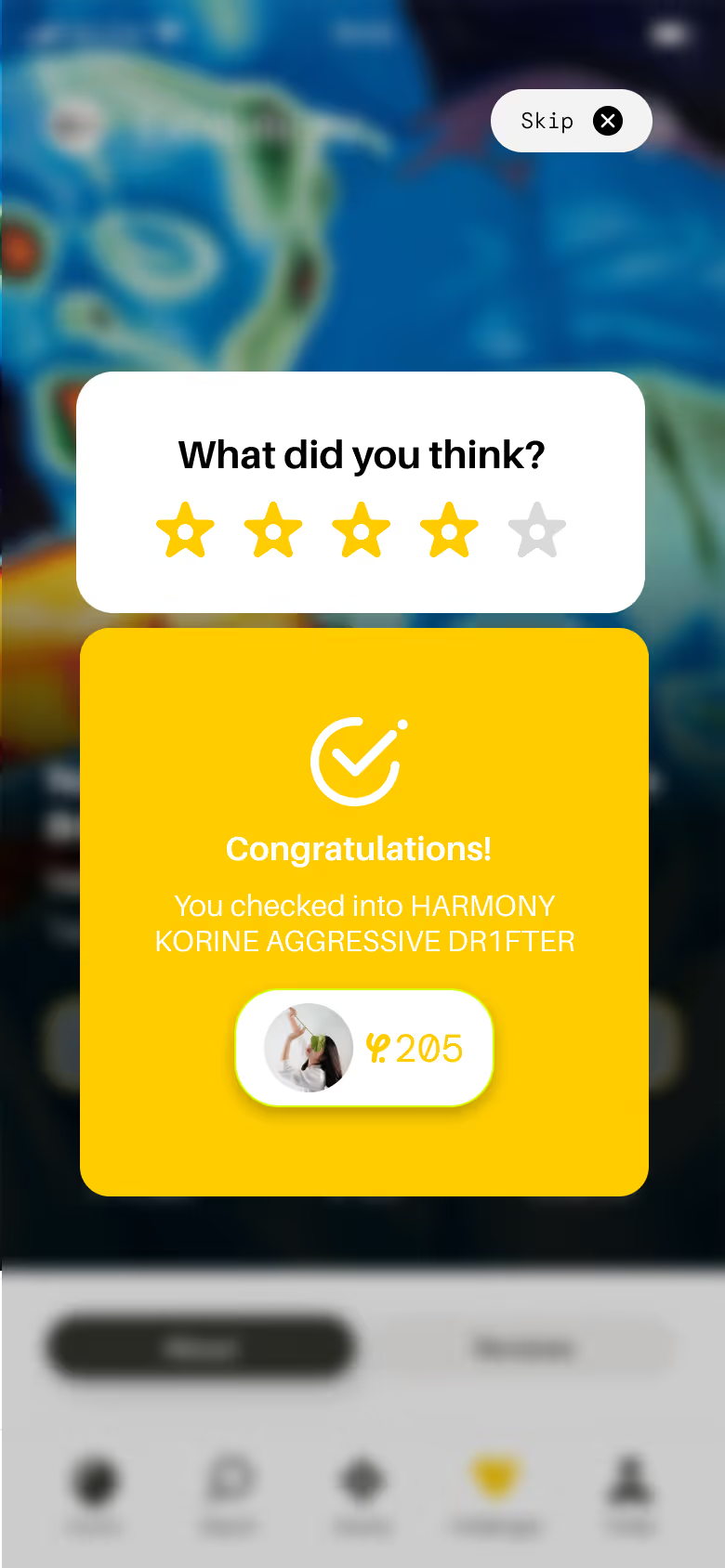
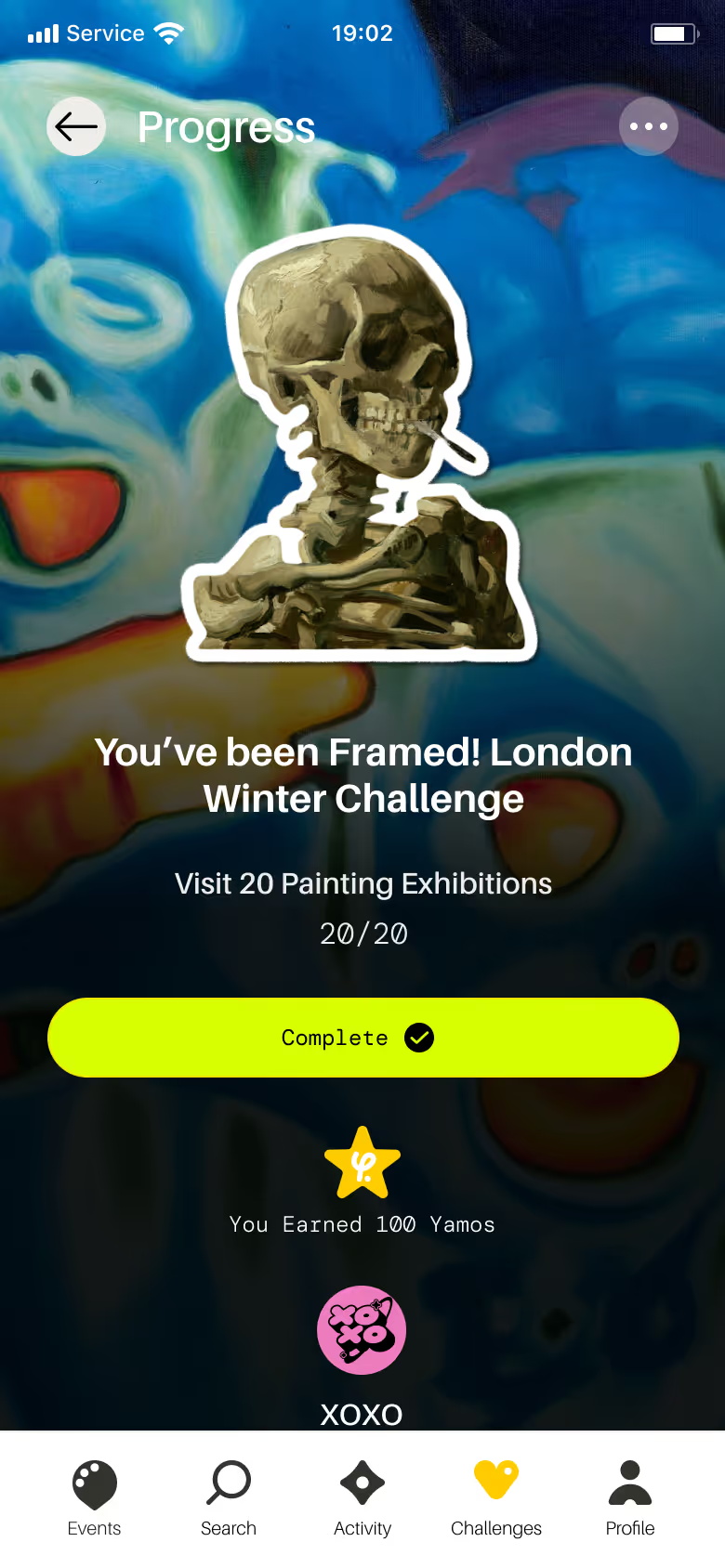
Earn points as you explore and climb the leaderboard:
- Visit exhibitions and Check-in through the app.
- Participate in challenges to earn additional points.
- Accumulate points to climb the leaderboard.
How do I check-in at an exhibition or event?
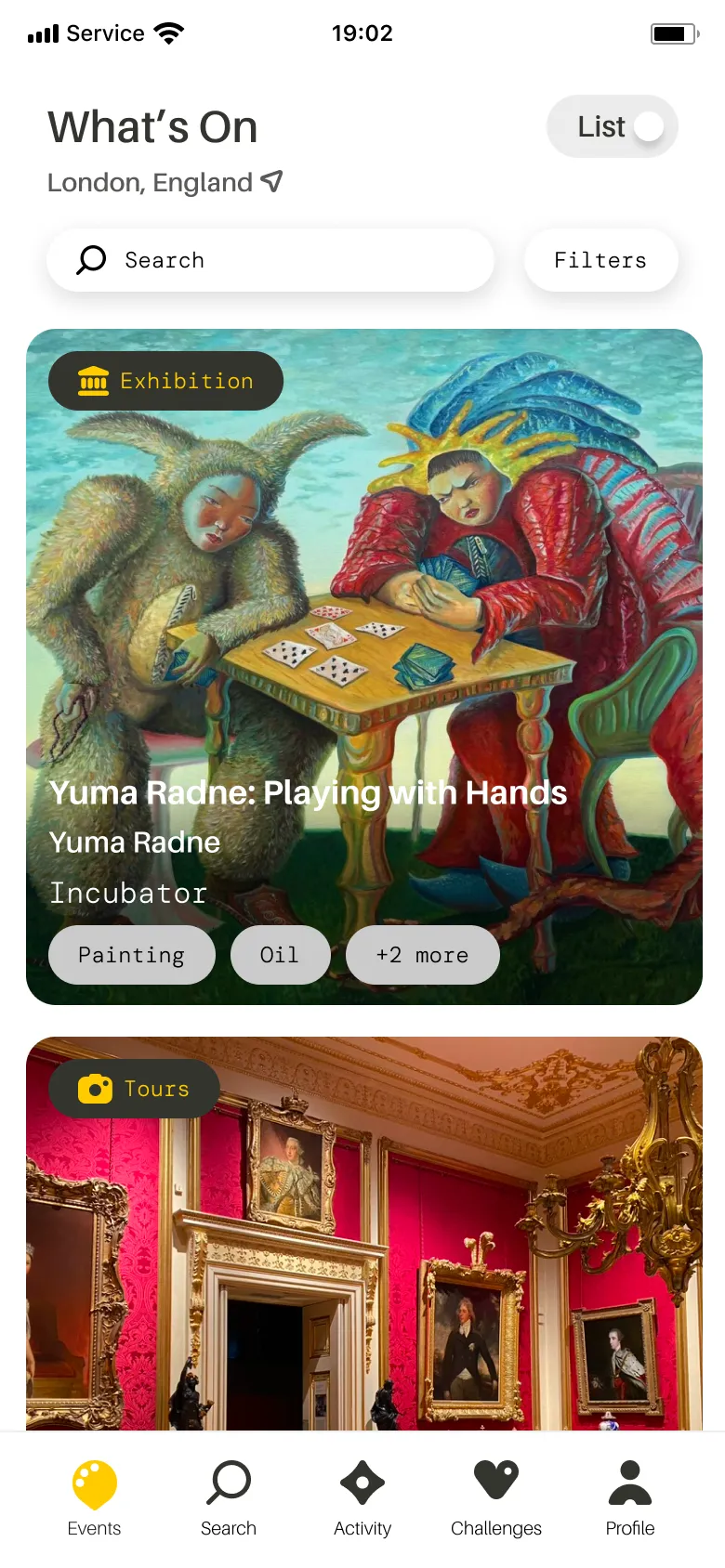
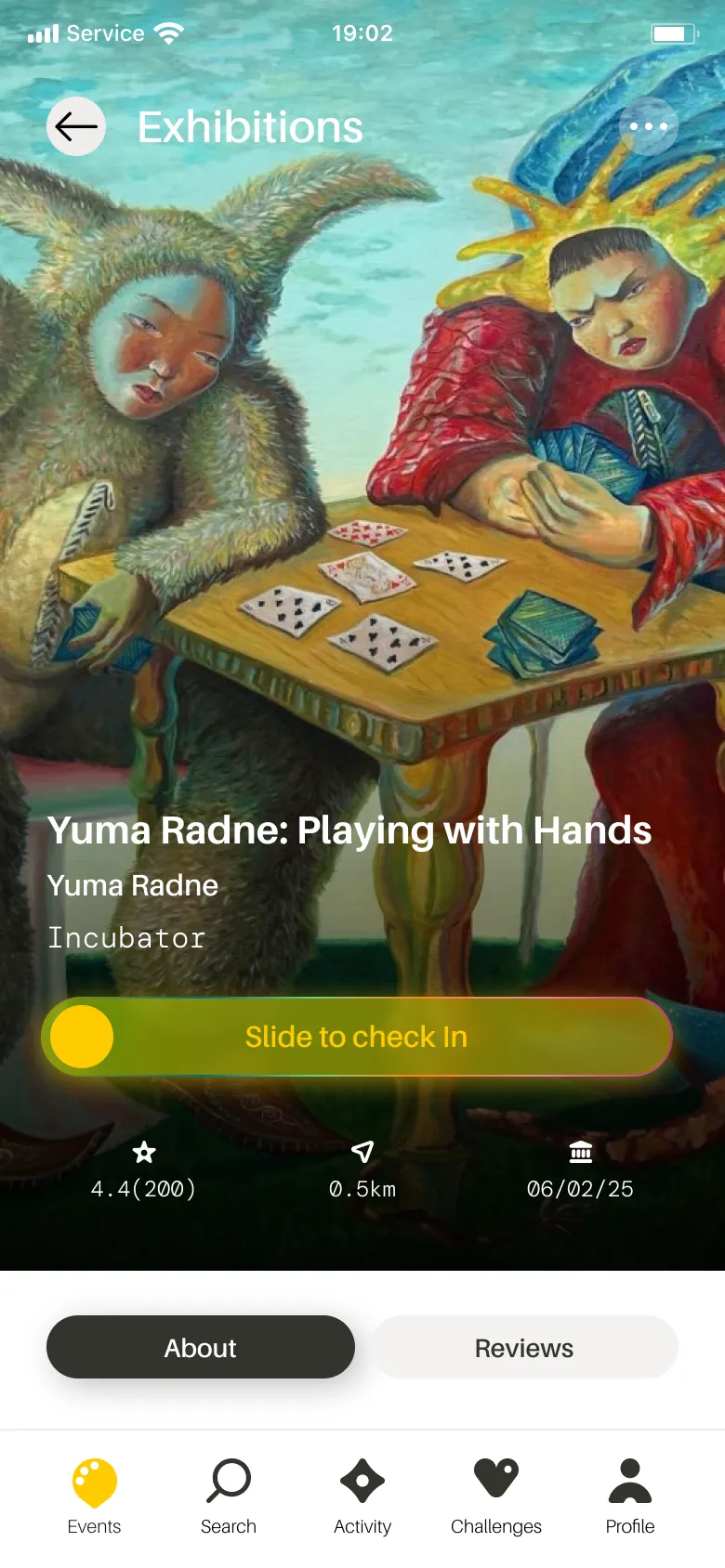
Keep track of everywhere you’ve been:
- Visit an exhibition listed in the app.
- Open its page and slide the Check-in toggle.
Flaunt your cultural conquests with pride! With every check-in, your profile becomes a visual diary of all the exhibitions you've been to.